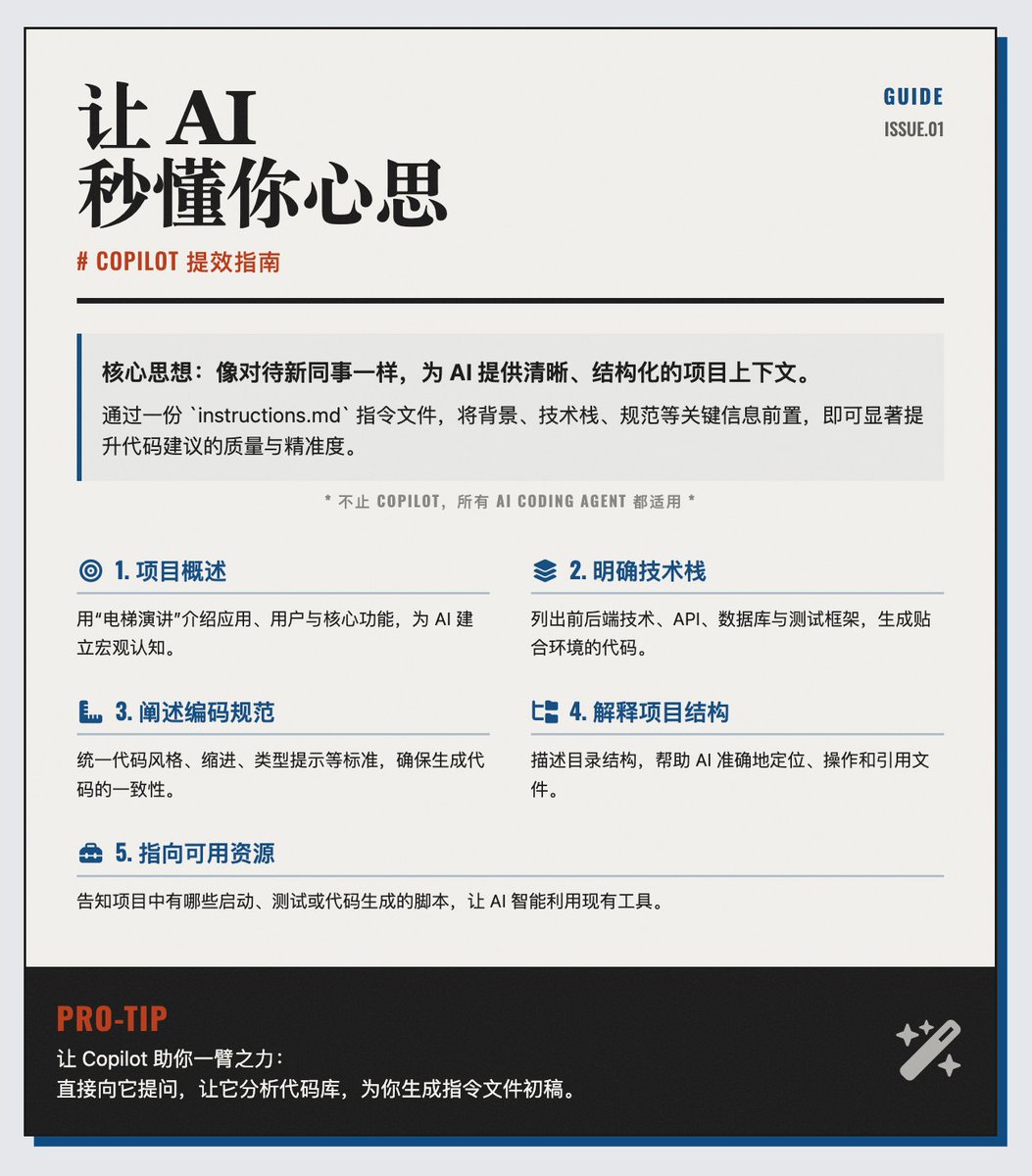
Copilot Efficiency Guide: 5 Tips to Help AI Understand Your Thoughts Instantly # Applicable to all AI Coding Agents, not just Copilot. Core idea: Guide Copilot as you would a new colleague. To make GitHub Copilot more efficient and accurate in assisting our coding, we need to provide it with clear contextual information. Just like guiding a new developer joining a team, we can't expect Copilot to "read" our minds. By creating a `copilot-instructions.md` file, we can pass on key information such as project background knowledge, technology stack, and coding standards to Copilot, thereby significantly improving the quality of its code suggestions. 5 Tips for Writing Better Copilot Instructions 1. Provide a project overview: Clearly describe your application, its target users, and core functionalities in a few sentences. This is like giving Copilot an "elevator pitch," helping it quickly develop a macro-level understanding of the project. 2. Clearly define the technology stack, listing the front-end and back-end technologies used in the project, the APIs called, the databases, and the testing frameworks. Since technology frameworks are constantly emerging, clearly informing Copilot of the current environment helps it generate code that better suits the actual needs. 3. Explain the coding standards. Detail the team's coding standards, such as: whether to use semicolons, whether to require type hints, and whether to use tabs or spaces for code indentation. This ensures that the code generated by Copilot is consistent with the project's existing style, improving code maintainability. 4. Explain the project structure: Describe the project's directory structure, such as which folders store the front-end code, back-end code, models, routes, tests, etc. This not only saves Copilot time in exploring the structure but also allows it to more accurately locate and manipulate files. 5. Pointing to available resources informs Copilot what scripts or tools are available in the project, such as scripts for starting the application, running tests, or generating code. This allows Copilot to more intelligently utilize existing tools to accomplish tasks. Bonus Tip: Let Copilot Help You A very useful bonus tip: Let Copilot help you create this instruction file. You can instruct Copilot to perform a comprehensive inventory of the codebase and generate a draft of a copilot-instructions.md file based on the analysis results. The article provides recommended keywords that can be used directly or modified slightly to get you started easily. Github Blog