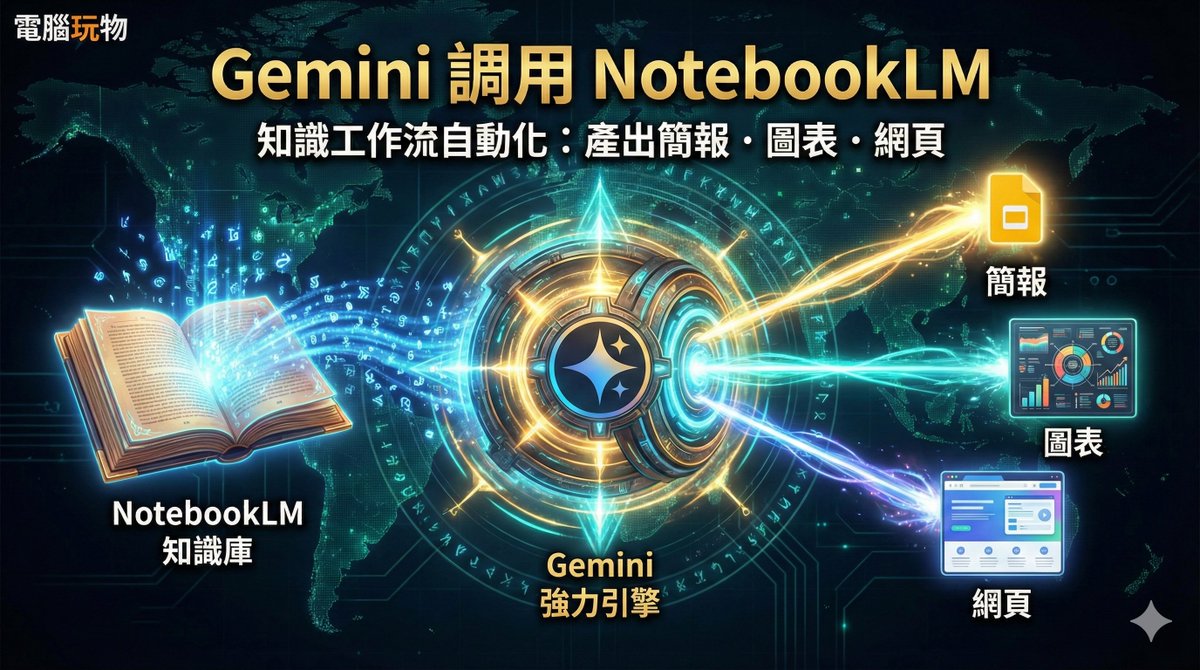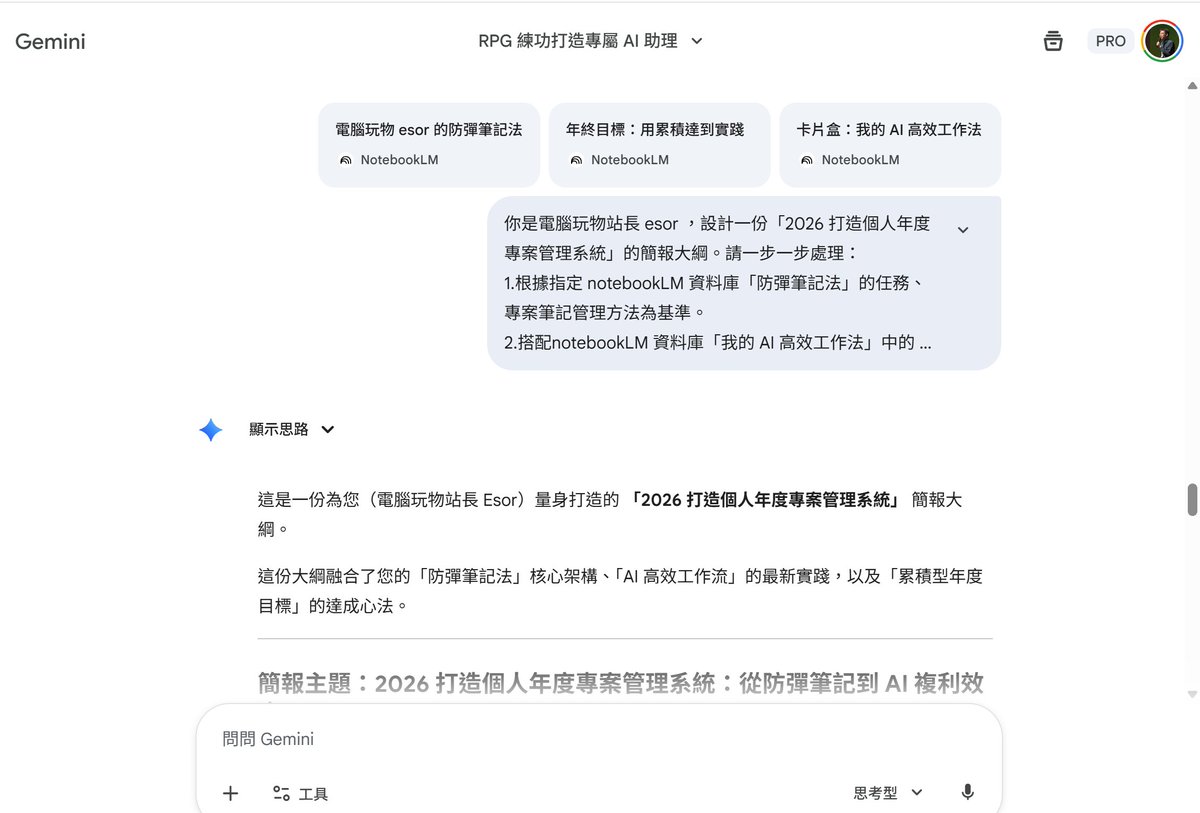
This article aims to help you solve this problem: "Does NotebookLM store a lot of data but fail to produce better works, teaching materials, or reports?" Connect it to Gemini, which is better at thinking and outputting, and your knowledge base can be instantly transformed into more powerful diagrams, Google presentations, and interactive web pages. Now Google's two powerful AI tools can be connected! You can directly connect to the NotebookLM database in Google Gemini. By leveraging the powerful thinking capabilities of Gemini 3 Pro and combining it with Gemini's functions such as drawing web pages, creating Google presentations, and drawing images, you can output the NotebookLM database in a more diverse way and integrate it into more AI workflows. Below, I tested three case studies that I actually use in my work and learning processes, and the results were excellent: - In Gemini, call a database from my AI course NotebookLM to output a more controlled knowledge graph. - Use the NotebookLM database from three different topics in Gemini to integrate them into a new lesson plan and create a Google presentation. - In Gemini, access two health-related NotebookLM databases, organize the knowledge, extend the story writing, and design an AI interactive webpage. In conclusion, this new link makes it possible to automate workflows such as the following: - NotebookLM = AI Knowledge Base (Database, Material Library): Collects recordings, handouts, whiteboards, and documents, and organizes them using AI. - Gemini 3 Pro = AI Output Engine (Reasoning, Integration, and Transformation into Works): Uses stronger thinking capabilities to "turn the knowledge base into usable outputs", and can directly create diagrams, presentations, and web pages. Feel free to refer to my teaching experience in this article: https://t.co/zRLC6ELMFJ In particular, the following scenarios make good use of this workflow: - Teacher, lecturer, consultant, researcher - Allow NotebookLM to accumulate "My Courses and Learning Databases" Gemini quickly transforms materials into: flashcards, presentations, interactive worksheets, and promotional text. - Content creators, bloggers, marketing planners - Store old articles, interviews, and reading notes in NotebookLM - Gemini converts these into: infographics, short video scripts, live stream outlines, social media posts, and presentations. - Project Manager, Product Manager, Supervisor - NotebookLM as a "Project Document Database" - Gemini directly outputs: progress reports, decision summaries, risk lists, next steps, and external briefings.