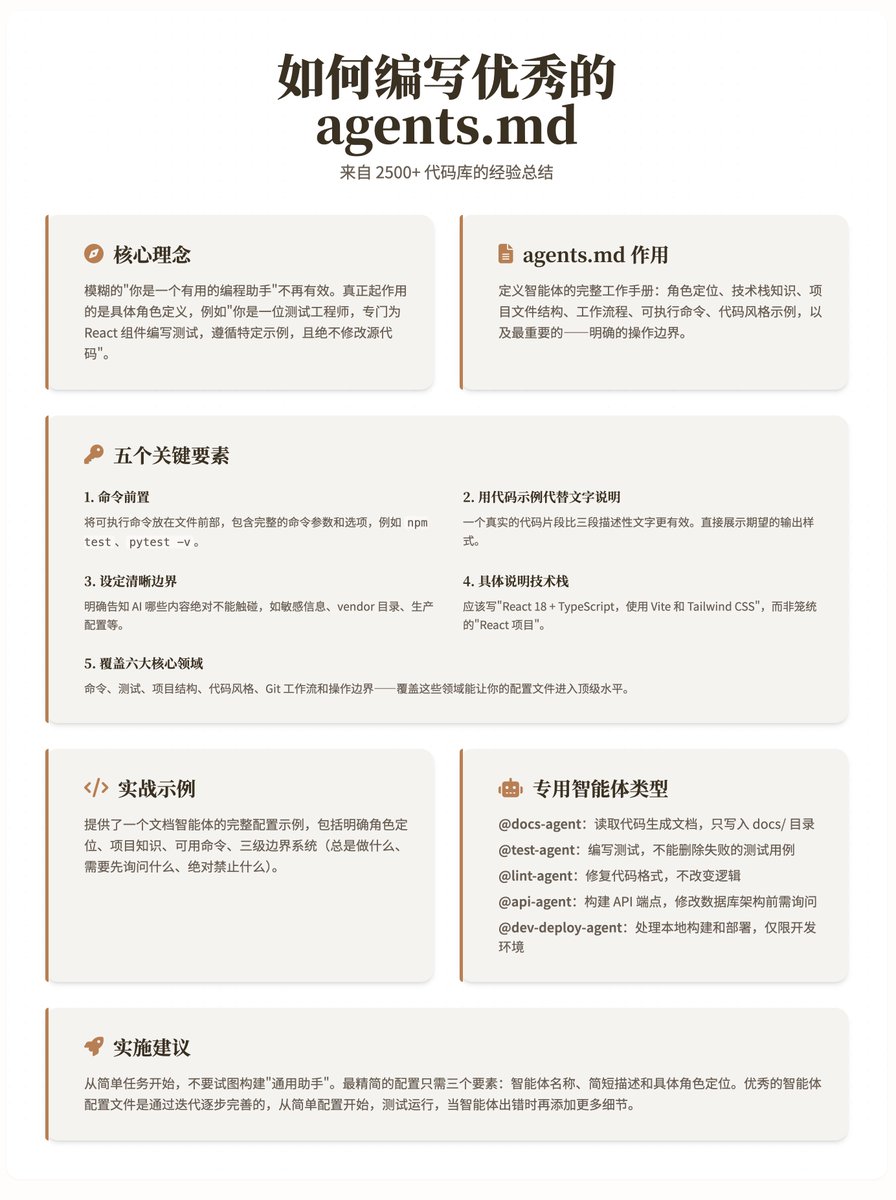
How to write excellent agents.md: A summary of experience from 2500+ codebases. The core idea is that vague directives like "you are a helpful programming assistant" are ineffective. What really works is a specific role definition, such as explicitly stating "you are a test engineer who writes tests specifically for React components, follows specific examples, and never modifies the source code." The agents.md file serves as a complete working manual for defining intelligent agents: role positioning, technology stack knowledge, project file structure, workflow, executable commands, code style examples, and most importantly—clear operational boundaries. Analysis revealed five key elements that successful agents.md files generally follow these practices: 1. Prefixing commands places the executable command at the beginning of the file, including the complete command parameters and options, such as npm test, pytest -v, instead of just the tool name. 2. Use code examples instead of text. A real code snippet is more effective than three descriptive paragraphs. Directly demonstrate the expected output style. 3. Set clear boundaries and explicitly tell the AI what content it absolutely cannot touch, such as sensitive information, vendor directories, production configurations, etc. "Never submit keys" is the most common and effective constraint. 4. The specific technology stack should be written as "React 18 + TypeScript, using Vite and Tailwind CSS", rather than the general "React project", and should include the version number and key dependencies. 5. Coverage of six core areas: commands, tests, project structure, code style, Git workflow, and operational boundaries—covering these areas will bring your configuration files to the top level. The practical example provides a complete configuration example of a document intelligence agent, demonstrating how to apply the above principles to a real-world scenario. This configuration includes: • Define your role: Technical documentation expert, proficient in Markdown and TypeScript • Project knowledge: Specific technology stack versions and file directory structure. • Available commands: `npm run docs:build` and `npx markdownlint docs/` • Three-level boundary system: What to always do, what to ask first, and what to absolutely prohibit. Several Dedicated Intelligent Agents Worth Building @docs-agent: Reads code and generates documentation, writing only to the docs/ directory. @test-agent: When writing tests, failed test cases should not be deleted. @lint-agent: Fixes code formatting without changing the logic. @api-agent: Requires consultation before building API endpoints and modifying the database schema. @dev-deploy-agent: Handles local builds and deployments, development environment only. The implementation recommendation is to start with simple tasks and avoid trying to build a "general helper". Choose specific tasks such as writing function documentation, adding unit tests, or fixing code errors. The most streamlined configuration requires only three elements: agent name, brief description, and specific role definition. You can also let Copilot help generate the initial configuration and then adjust it according to the actual project. The core takeaway is that the best agent configuration files are improved iteratively, rather than planned all at once. Start with simple configurations, test them, and add more details as the agent encounters errors. The key to success lies in providing specific role definitions and detailed operation manuals, rather than vague prompts. Blog address: