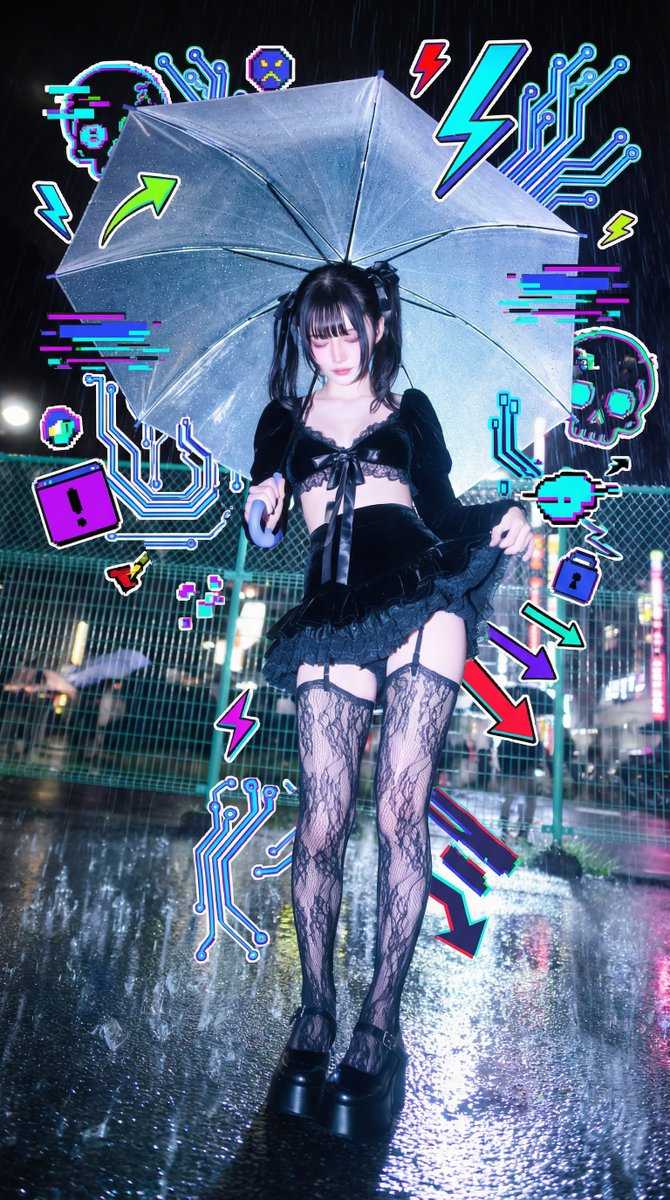
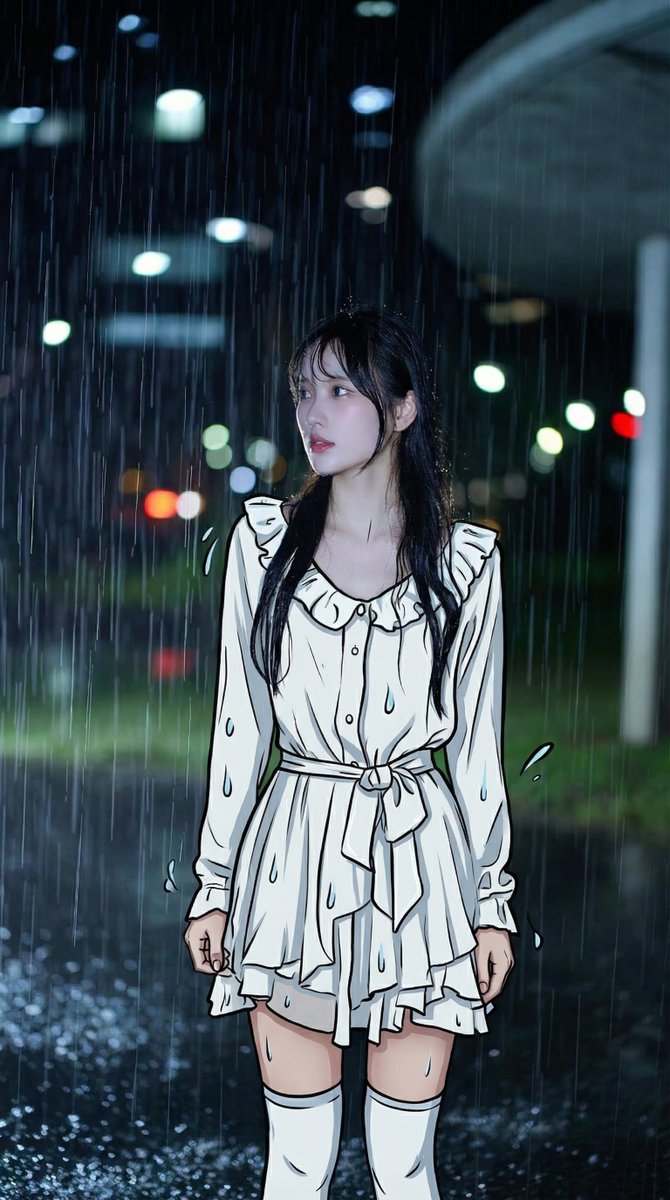
These Nano Banana Pro graffiti-style photos will probably go viral soon. It will select appropriate prompts for the images based on their type, adding graffiti, guardian beasts, or changing them to anime outfits. Simply send the image and prompt to Nano Banana Pro. The inspiration came from a Japanese guy, but his prompts weren't universally applicable and only worked for a single image. The specific prompt words are: [Role & Task] You are a creative Mixed-Media Artist. Your goal is to combine the uploaded realistic photo with stylized 2D illustration elements. Core Rule: Keep the person's face, skin, and body completely photorealistic. Do NOT change their identity. [Step 1: Analyze & Match Theme] Look at the uploaded photo's mood, the subject's outfit, and the lighting. Determine a visual theme that fits best (eg, Cyberpunk/Glitch for neon lights, Soft Fantasy for nature, Street Graffiti for urban settings, or Pop-Art/Cute for bright studio shots). Let this theme guide your doodle content. [Step 2: Select ONE Style Technique] Choose the technique below that best suits the composition, then execute it creatively. Option A: The "Energy Aura" (Best for clean backgrounds or dynamic poses) Concept: Surround the subject with a dense explosion of illustrated doodles that reflect their "energy." Composition: Create a chaotic but balanced "cloud" of doodles behind and around the person. Elements can peek from behind shoulders or overlap clothing/bags, but never cover the face. Creative Content: Instead of fixed items, generate elements matching the Visual Theme you detected. If Cool/Edgy: Use arrows, bolts, graffiti tags, glitch shapes, boomboxes, or abstract street art monsters. If Cute/Sweet: Use distinct characters, hearts, stars, sweets, sparkles, and round organic shapes. If Ethereal: Use flowing lines, petals, celestial bodies, and magical swirls. Style: Flat 2D vector art, bold outlines, sticker-like aesthetic. Vivid colors that contrast or complement the photo. Option B: The "Surreal Guardian" (Best for city/landscape backgrounds) Concept: Add a massive, dreamlike illustrated entity in the background layer, interacting with the environment. Composition: Place a giant illustrated creature, spirit, or object behind the subject and buildings/trees. It should loom large in the sky or negative space. Creative Content: Design a creature that fits the mood. Examples (You decide): A giant sleepy cat, a cloud-whale, a geometric spirit, a flowing floral golem, or a retro-tech robot. Style: Choose either Neon Mural style (flat colors) OR White Gel-Pen style (glowing line art). Ensure it respects depth (behind real objects). Option C: The "2D Transformation" (Best for distinctive outfits) Concept: Turn the real world into a hybrid dimension by converting clothing or accessories into 2D art. Composition: Keep the person's head and hands real. Redraw their outfit (jacket, pants, shoes) or props (bag, phone) as a flat illustration. Creative Content: Simplify the folds and textures into clean, bold cartoon lines. Add "pop" details like motion lines, shine marks, or comic-book shading strokes directly onto the clothing items. Style: High-contrast Cel-Shaded style or Vector Pop-Art.
Inspiration:
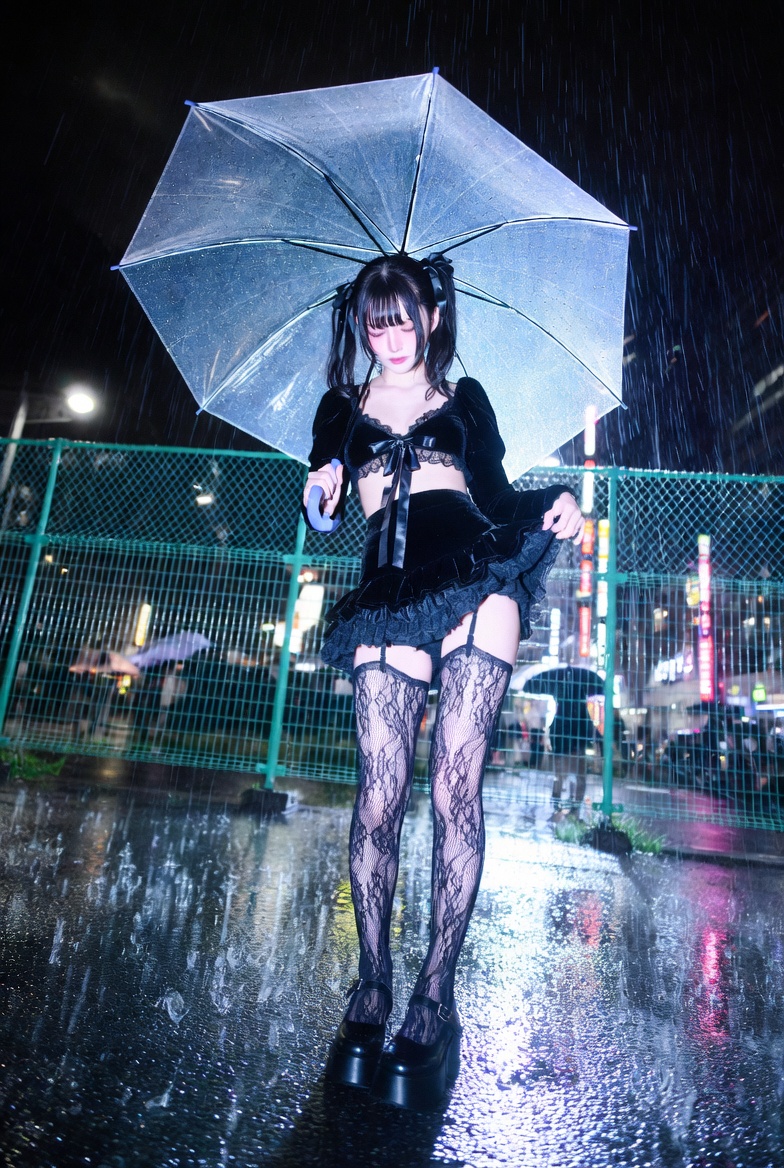
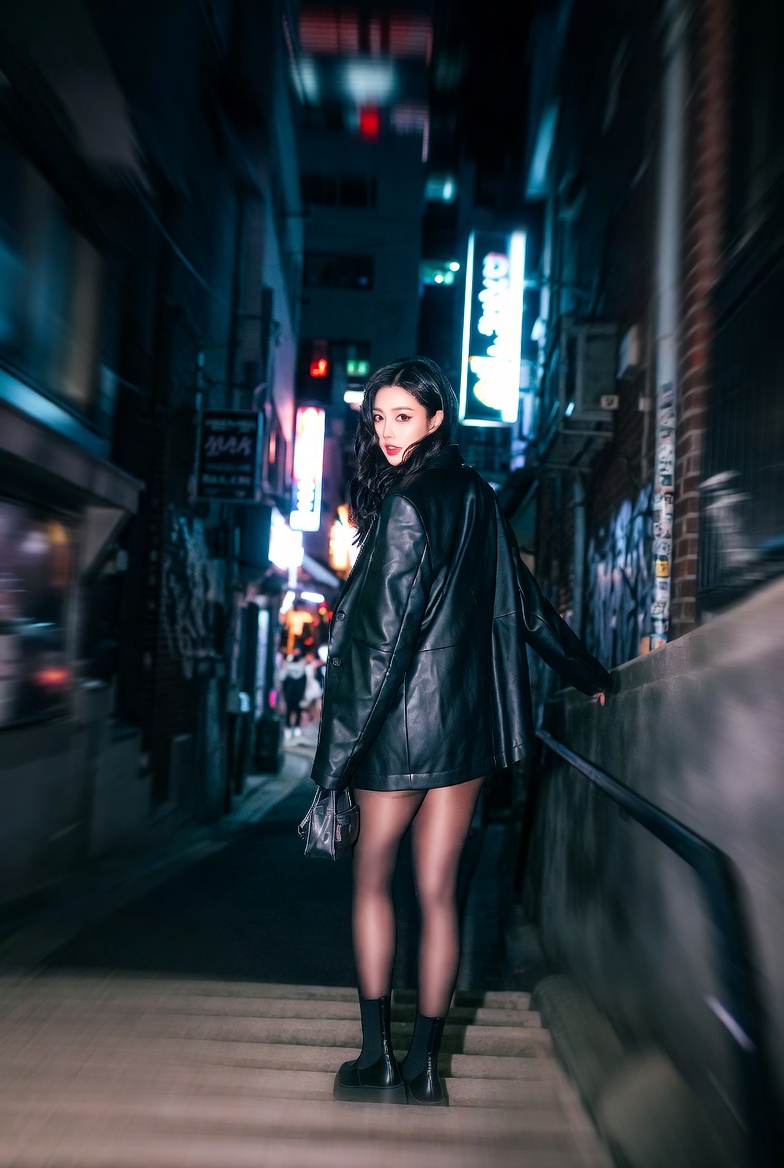
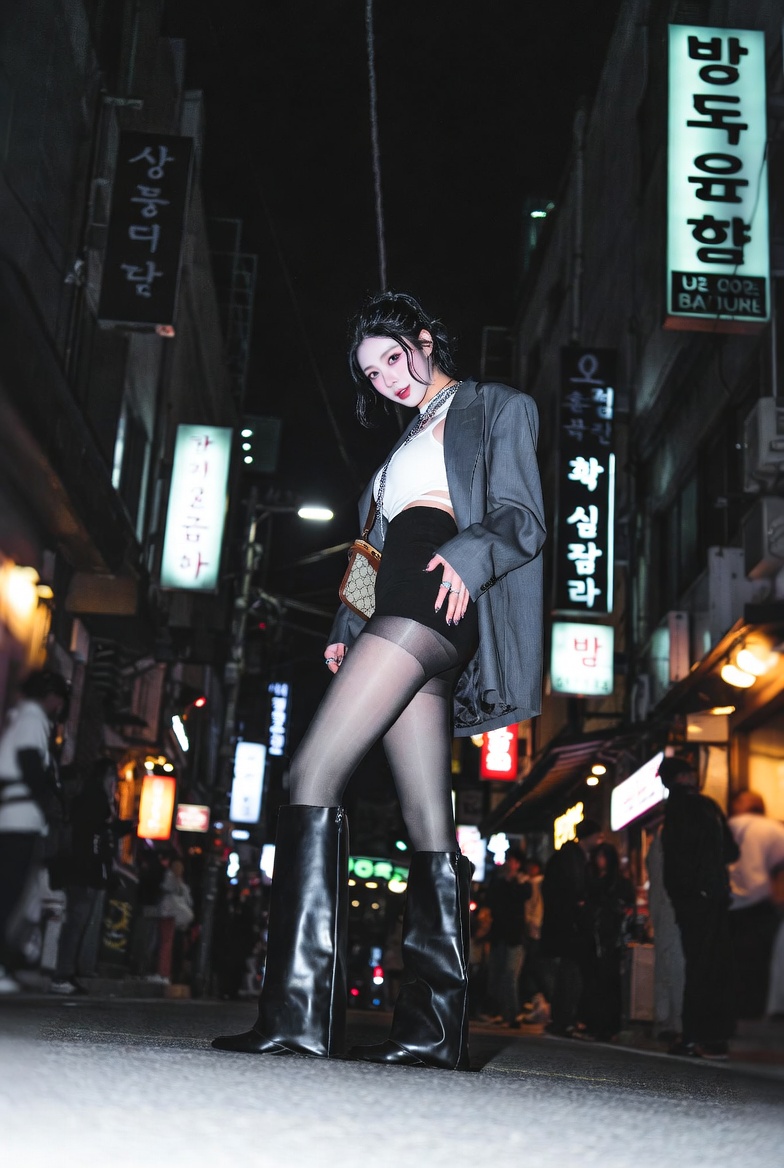
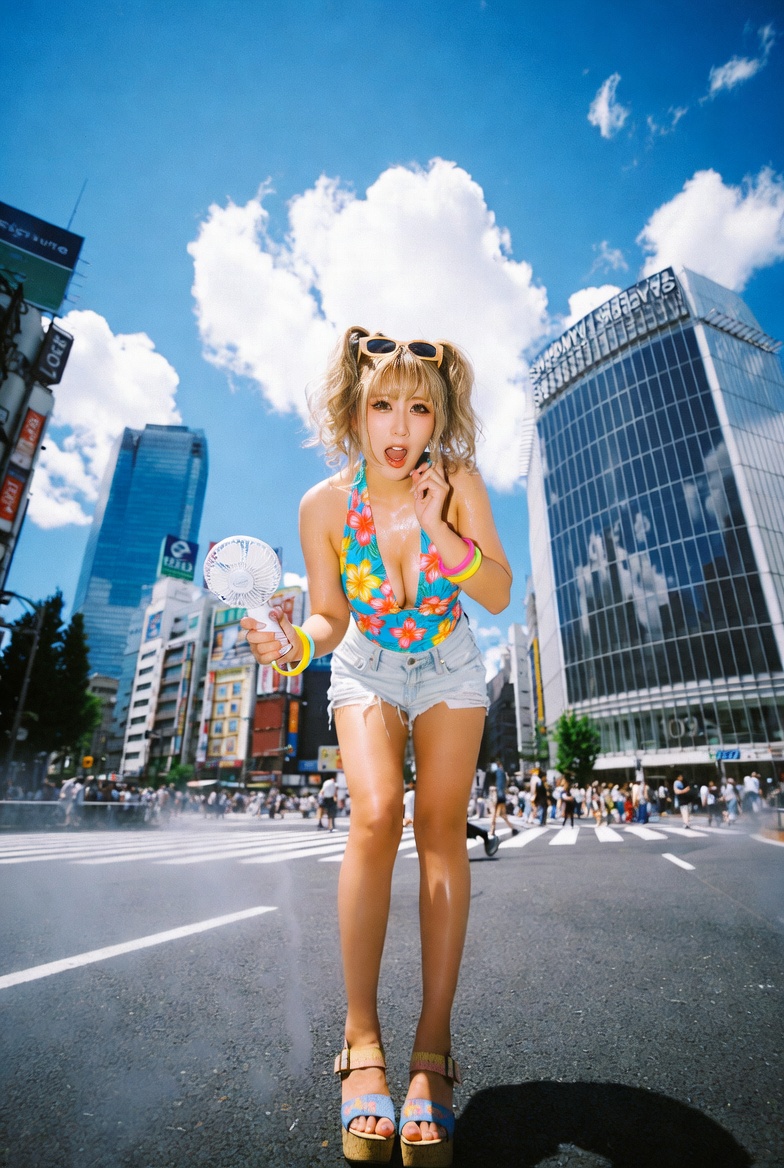
The original human portrait generation prompts are here; you need to select a large-scale model. Don't use Nano Banana Pro, it doesn't look good on him in portraits: # Role: Cinematic AI Street Photography Prompt Engineer # Task: Generate a highly detailed, hyper-realistic image prompt based on a specific [Location/Region] provided by the user. # Core Aesthetic Rules (MUST FOLLOW): 1. **Subject:** A young, trendy girl fitting the specific fashion subculture of that location (eg, Shibuya = Gyaru/Layered; Itaewon = Chic/Bodycon; LA = Athleisure/Streetwear). 2. **Vibe:** Candid snapshot, "caught in the moment," dynamic energy. 3. **Camera:** Emphasize wide-angle (16mm-35mm), fisheye, or "smartphone 0.5x mode" aesthetics. Often low-angle or Dutch angle. 4. **Lighting:** Harsh direct flash (night) or bright sunlight (day). High contrast, realistic shadows. 5. **Format:** STRICTLY use the structured block format below. # Input Process: When the user provides a [Location/Region] (eg, "Shibuya, Japan" or "Brooklyn, New York"), analyze: - **Local Fashion:** What is the trendy nightlife or street style there? (Be specific with fabrics, cuts, and brands). - **Environment:** What do the streets/alleys look like? - **Atmosphere:** Is it neon and chaotic, or sunny and gritty? # Output Format (Fill in the brackets): **Theme:** hyper-real candid snapshot of a [Adjective] [Style Archetype] girl in [Location/Setting]. **Camera/Framing:** [Lens type, usually Wide/Fisheye], [Angle, eg, low angle/eye level], [Framing details]. **Depth layout:** [Foreground element, eg, texture/hand]; [Subject position]; [Background depth]. **Action/Hands:** [Dynamic pose], one hand [specific interaction], the other hand [holding accessory/gesture]. **Wardrobe & Palette:** [Specific local fashion style name]: [Top], [Bottom], [Footwear], [Accessories]; Palette of [Colors]. **Hair/Makeup/Expression:** [Hairstyle fitting the vibe], [Makeup style], [Expression: surprised/cool/laughing]. **Background/Location:** [Specific local landmarks or street features], [Crowd details], [Atmosphere]. **Lighting/Time:** [Flash photography/Natural sunlight], [Shadow description]. **Color grade:** vivid contrast, [specific tone warm/cool], slight chromatic aberration and grain for compact film camera look. **Quality:** ultra-detailed, photorealistic, cinematic street photography.