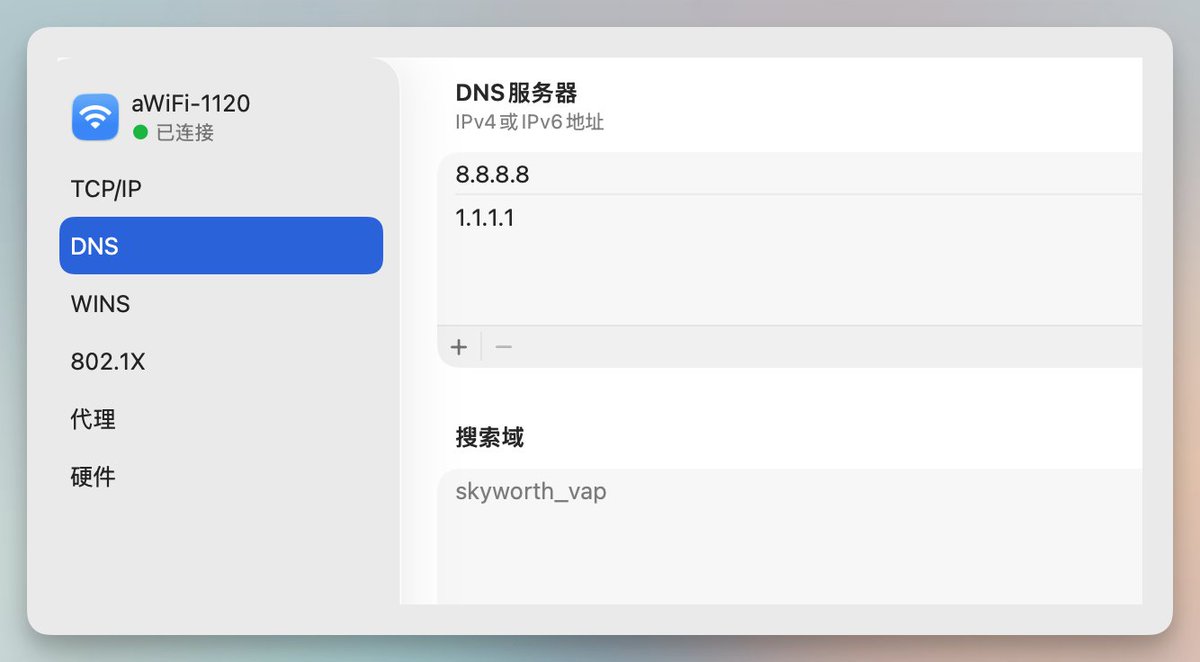
I checked into a hotel in Shenzhen, and the WiFi from Guangdong Telecom was terrible. When the phone connects to Wi-Fi, a login page pops up. After entering the phone number and sending a text message, no text message is automatically retrieved. Switching to view the verification code via SMS, the login page disappeared, and I have to start all over again... Fortunately, the second text message worked, and I finally got it sorted out. Then, I discovered that the authentication page didn't pop up even when my Mac was connected to Wi-Fi. Change the DNS to 8.8.8.8 and check that all proxies are turned off. Entering 192.168.1.1 will force a redirect to the authentication page. Enter your mobile phone number and verification code to log in. I finally got online.